A conference headshot station gives attendees a professional portrait without asking them to book a separate studio visit. To make it work, plan around the time they can actually spare and give them a clear way to get their image.
Estimate demand during the busiest window
Separate total attendance from expected participation. If you expect 60 people during a 90-minute window, you need to serve about 40 per hour during that window. Ask your photography team for a realistic pace that includes check-in, posing, and any image selection. For a short lunch break, offer appointments or add capacity if the estimate exceeds what one station can handle.
Choose drop-ins, appointments, or both
Drop-ins make sense near an expo floor with steady traffic. Appointments help when attendees have packed agendas or when the same team needs consistent directory portraits. A hybrid can work if the sign makes it clear which line is for bookings and which is for walk-ups.
Decide where the portraits will be used
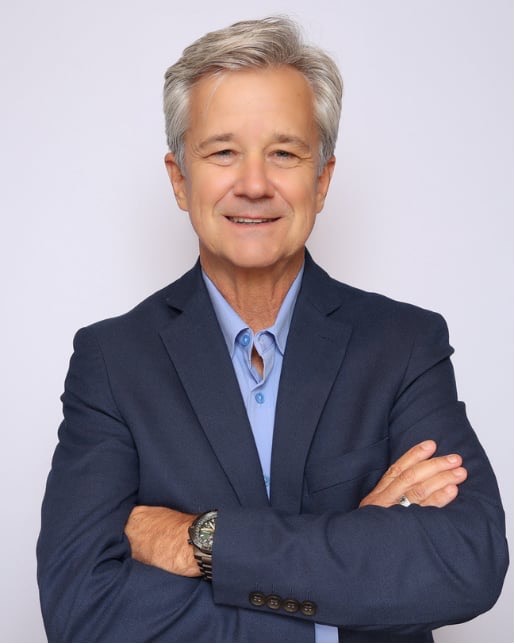
For LinkedIn, check that the crop still works inside a small circle. For a company directory, agree on backdrop, framing, and file naming before the event. For a sponsor, decide whether the brand belongs on the delivery page, the portrait itself, or both.
Test delivery with a complete sample
Walk through check-in and file delivery as if you were a guest. Confirm how each portrait reaches the right attendee, how long it will take, and who can access the files. The Google Public Sector Summit headshot clinic shows how portraits can fit into an existing conference schedule.
Set expectations for retouching and file formats
Headshots are used on websites, badges, speaker pages, and LinkedIn profiles, and each of those can need a different crop. Agree, in writing, on the retouching scope (for example, dust on a jacket versus a full beauty pass), the file format, the longest side of the image, and whether guests may request a second expression. Do not leave “we’ll send the photos later” as the entire delivery plan.
Test one complete file on a laptop and on a phone, in both a light and a dark interface, before you lock the setup. If legal or communications needs to approve a look, include them in that test, not on the afternoon of the conference.
Plan the backdrop, the light, and the quiet
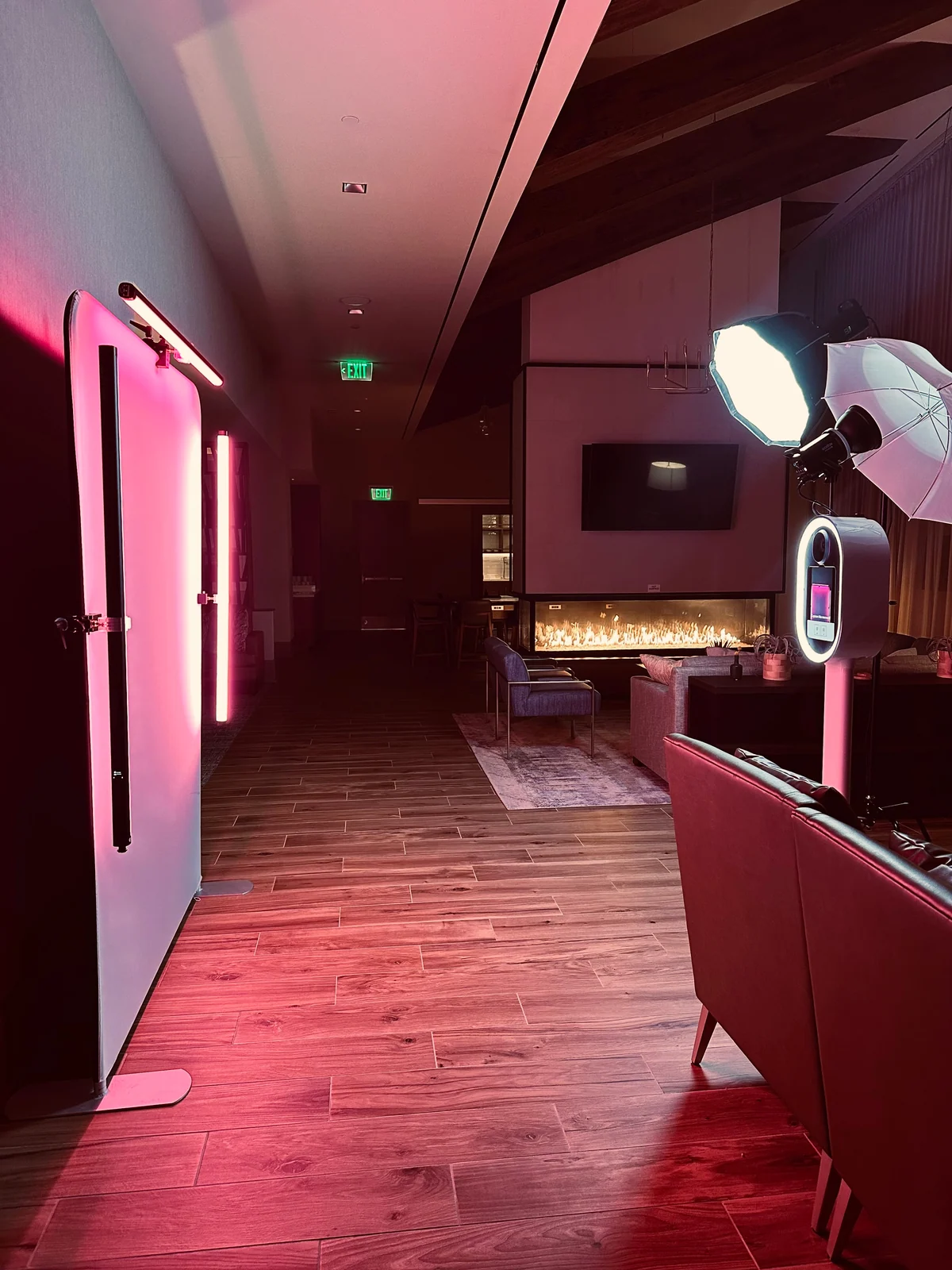
A clean backdrop and consistent light matter more than a decorative set if the portraits will live on a company site. Look at what sits behind the chair in a wide photo: signage, a window, or a doorway can all pull focus or change color during the day. If the hall is bright at noon and dim at 4 p.m., ask how the lighting will be held steady.
Also listen to the space. A headshot station next to a coffee line or a loud expo aisle will show in people’s faces. A slightly quieter alcove, with a clear sign and a short queue, often produces a more consistent portrait than a booth placed for maximum traffic.
Make the queue usable
If you offer drop-ins, mark the line so it does not block an aisle or a fire exit. If you offer appointments, publish the booking link in the attendee email and at the door, and keep a few unscheduled slots for speakers who run late. A hybrid—appointments for speakers, drop-ins for everyone else—only works if both groups can see which line is theirs.
Write a one-line instruction for guests who use a wheelchair, who prefer not to stand in a long line, or who need a quieter moment. You do not need a separate product for this; you need a plan the onsite team can follow. Our onsite headshots page and conference and trade show page can help you brief the wider event.
Close the loop after the conference
Decide who sends the finished portraits, what happens if an email bounces, and how long files will be held. If portraits will be used in a recap page or a speaker announcement, confirm that use with guests before the camera, not after the images are already published.
If the same team wants portraits in more than one city, keep the backdrop, crop, and retouching rules identical and adjust only for the room. See Washington, DC or multi-city activations if that is the plan.
Explore onsite headshots, see our Washington, DC event guide, or request a proposal with your venue and event date.