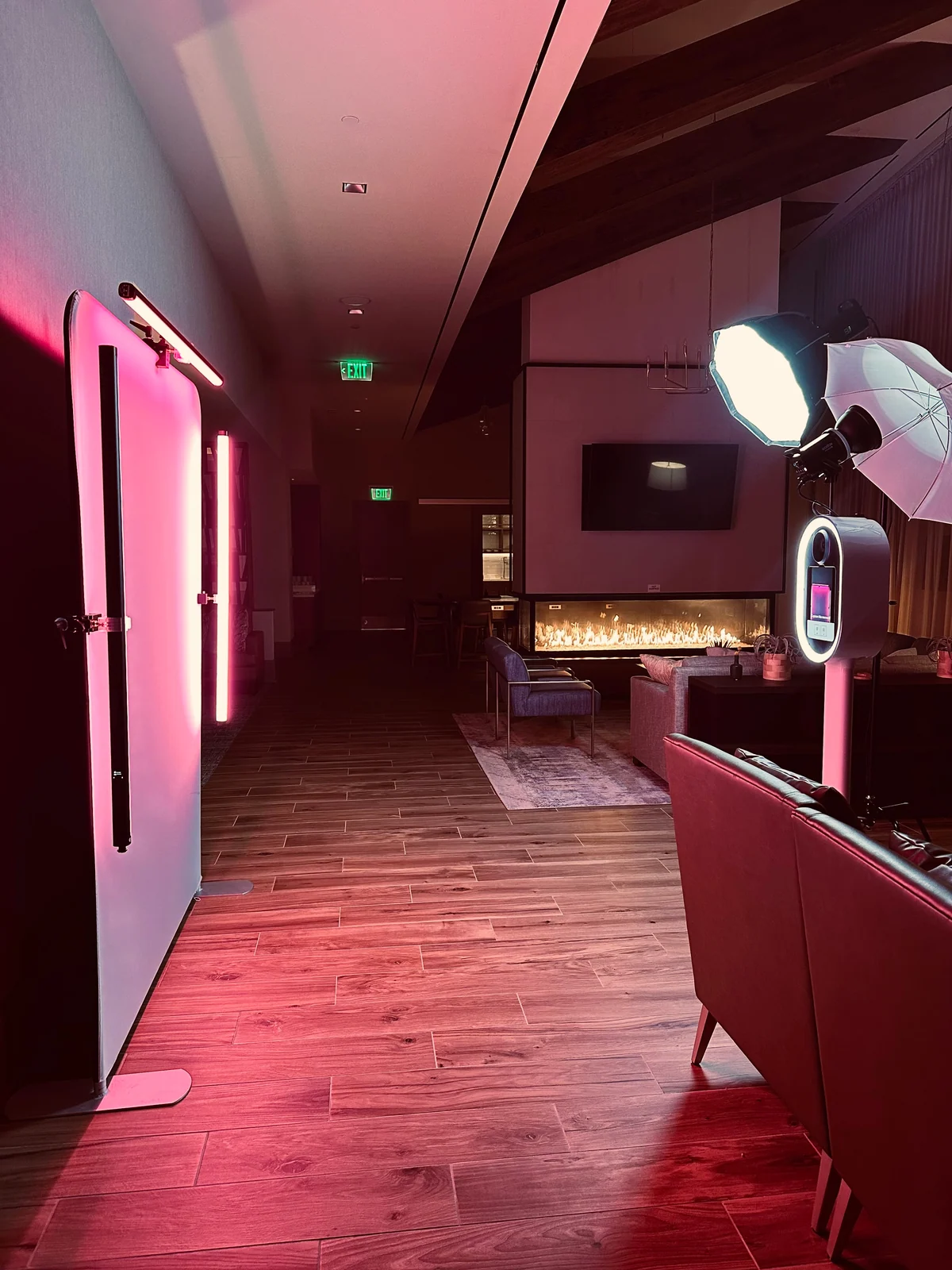
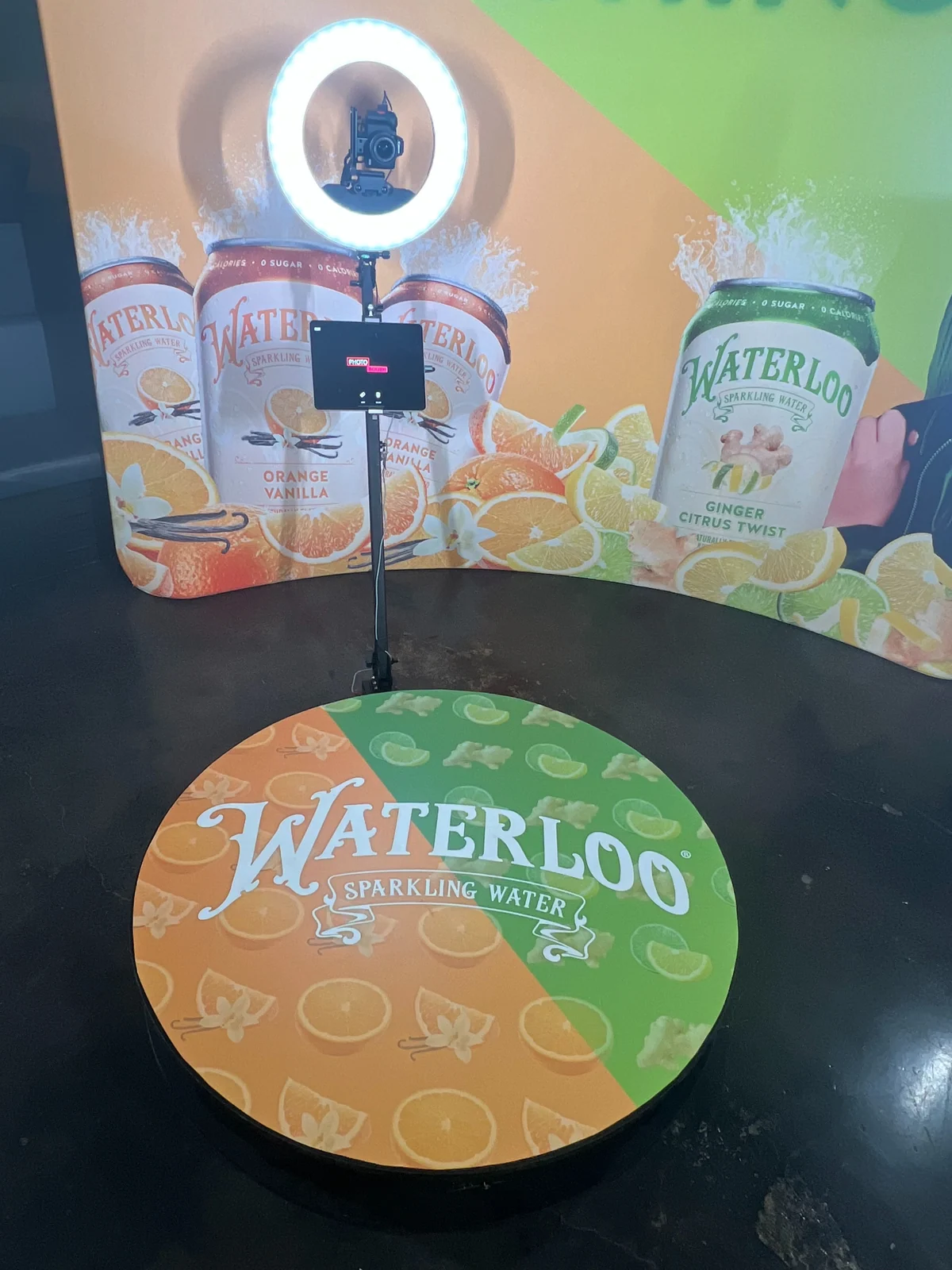
Before you book a 360 video booth for a Charlotte event, ask your venue and booth team to review the same floor plan. The camera sweep, waiting area, and lighting matter as much as the platform itself.
Mark the full footprint
Ask the operator for the space needed for the camera arm, staff position, and safe entry and exit. Confirm the surface, power access, and any restrictions on placement. Leave room for a queue outside the operating area. Ask your venue to approve the location on the plan rather than relying on a verbal estimate.
Review the scene from the moving camera
A branded backdrop can look excellent from the front and disappear halfway through a rotating shot. Ask for a sample showing what the camera sees across its path. Check the lighting under the actual event settings and agree on where any logo or overlay should appear in the final clip.
Plan how guests take part
Confirm group size and how people step on and off the platform. Ask about an alternative for guests who would prefer a setup without a platform. If you expect a rush after a presentation, agree on how staff will direct the line and explain the experience.
Check the finished clip on a phone
Decide whether you need a vertical social clip, an event recap asset, or both. Ask to see how guests receive the file and what happens if the venue connection is weak. Include any sponsor approval or usage needs in the brief before the creative is produced.
Check height, light, and what the camera will see on a full rotation
A 360 setup needs more than a floor footprint. Look up: chandeliers, truss, low ceilings, and hanging signs can all enter the frame as the camera moves. Walk a slow circle at the planned radius and note anything you would not want in the finished clip, including a service door, a messy cable path, or another vendor’s flight cases.
Light will change as the camera travels. A bright window on one side and a dark drape on the other can make faces uneven. If the event is in an Uptown hotel ballroom or a glass lobby, visit at the same time of day as your program, or ask the venue for photos taken at that hour.
Plan the guest’s path onto the platform
Guests need a clear way to step on, stand safely, and step off without crossing the camera path. Mark the waiting line so it does not appear behind every clip. If anyone may need a more accessible way to take part, discuss that with the team in advance rather than inventing a workaround in front of a queue.
Sound matters too. A 360 clip often includes music or a host, and a very loud dance floor can overwhelm a short recording. Agree whether the clip will use event audio, a brand track, or no soundtrack, and test a sample on a phone speaker, not only on a laptop.
Decide how the clip leaves the building
Confirm how guests receive the video, how long a file may take to process, and what you will do if the venue network is weak. If a sponsor needs a recap, define which clips they may use and when. Do not assume every guest wants their video posted to a public gallery.
If any part of the setup could move outdoors—for example, a plaza or a pre-function terrace—ask about wind, rain, and a nearby indoor fallback. Charlotte weather can change through an afternoon, and a 360 platform is not something you want to relocate during a reception.
Put the checklist on one page for the venue team
Combine clearance, power, load-in, guest access, lighting, and delivery into a single document and send it with the floor plan. Our 360 Video Booth page and Charlotte location page can sit alongside that document when you request a proposal. If the same creative will also run in New York City or Washington, DC, plan those rooms with the same checklist so the guest experience stays comparable.
Explore 360 video booths, see our Charlotte, NC event guide, or request a proposal with your venue and event date.