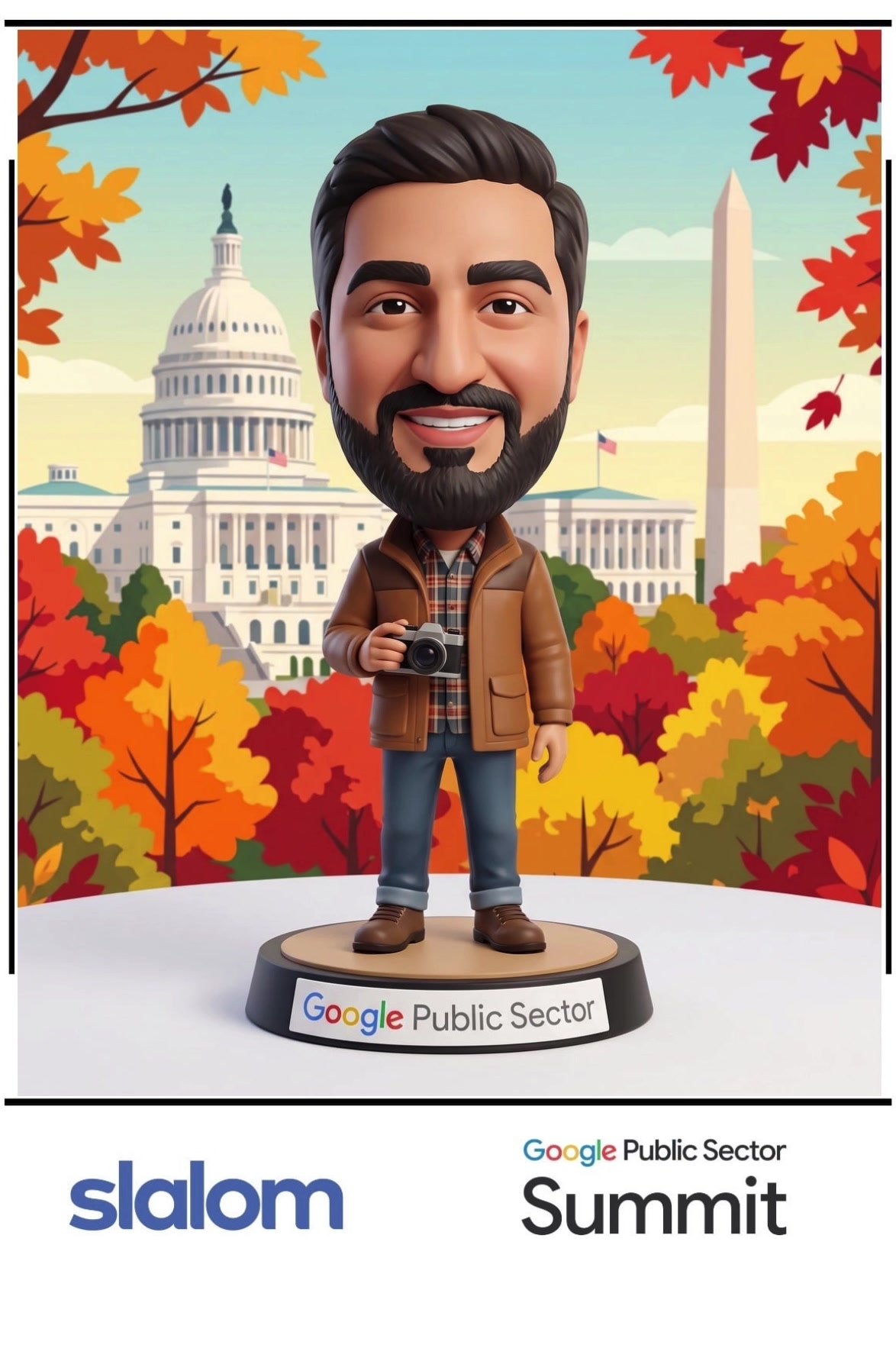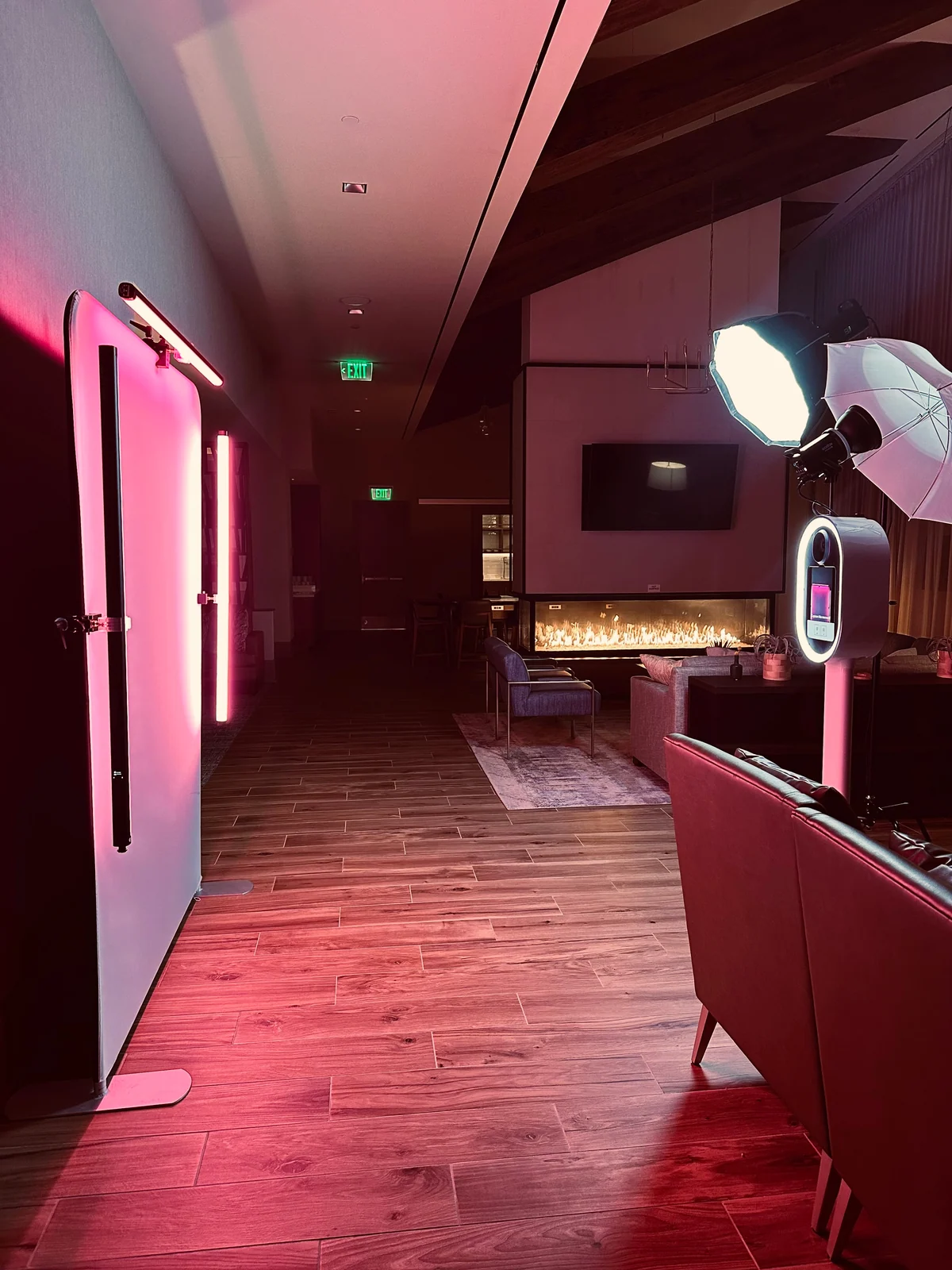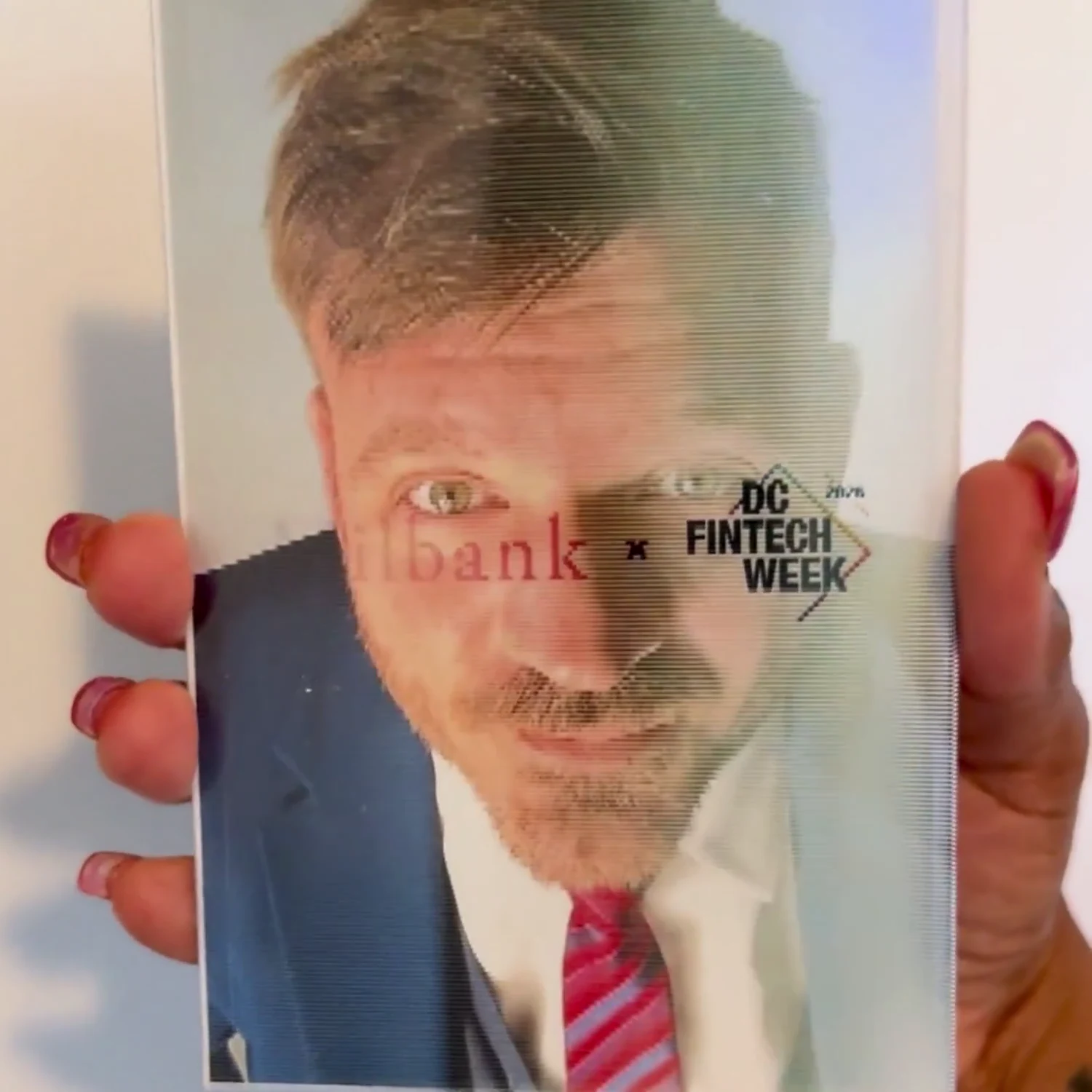
A good Scribble Booth prompt gives guests something they can write or draw in a few seconds. Choose the prompt based on what you want to do with the footage, then show a sample before guests reach the camera.
Pick a prompt that fits the event
For a conference, try “One idea I’m taking back to my team.” For an employee celebration, try “Write a shout-out to a teammate” or “Draw our year in one symbol.” For a product launch, try “Draw where you’d take it first” or “Finish this sentence: My next adventure is…” Give guests a short example so they can think while they wait.
Give people permission to keep it simple
Offer both a word and a drawing option when possible. A one-word answer works for guests who don’t know what to draw, and a quick sketch works for guests who prefer to stay off-mic. Put the prompt at eye level and keep it short enough to read from the queue.
Rehearse the clip from capture to delivery
Ask someone who hasn’t seen the brief to try the prompt. Then watch their clip on a phone. Check that handwriting reads, that a logo or title leaves room for their answer, and that the best moment lands early enough to work as a short shareable clip.
Choose how you’ll use the footage
A clip delivered to a guest and a compilation shown at a closing session need different planning. For a recap, agree on framing, response length, delivery timing, and permissions for reuse. Give guests clear instructions if their clip may be shared beyond their own delivery.
Keep a short list of prompts that anyone can finish
A good Scribble prompt can be completed in a few seconds, even by someone who does not think of themselves as a drawer. “Write the word that brought you here,” “draw the skyline in one line,” or “leave a note for the team you just met” are easier to finish than a prompt that asks for a detailed illustration. Test three options out loud with colleagues who were not in the creative meeting.
Print the chosen prompt in large type at the capture point, and keep one alternate ready if the first feels too specific for the room. A conference prompt about a keynote theme may not work at an evening reception, even if the booth is the same.
Show people that a simple mark is enough
Many guests hesitate because they think they have to perform. A sample clip of a very simple drawing—one word, one shape—gives them permission to start. The attendant can offer a marker, point to the sample, and stay out of the way. If someone wants to pass, that should be easy too; a long sales pitch in the line usually slows everything down.
If the event includes children, or guests who may need help holding a marker, decide in advance how staff will assist without taking over the drawing. The point of the experience is that the mark is theirs.
Rehearse the whole clip, including the ending
A Scribble video has a beginning, a drawing, and a finish. Rehearse how the clip starts, how long a guest can draw, and how the logo or event title appears at the end. Watch the rehearsal on a phone, because that is how most people will see it. If the brand moment arrives too late, or covers the drawing, fix it before doors open.
Also agree where finished clips will live: a private gallery, a screen in the room, a follow-up email, or only on the guest’s device. If clips will play in the room, choose examples that do not embarrass anyone and have a way to skip a file if a guest asks.
Use the footage with the same care you used in the prompt
If you plan to cut a recap, collect permission at capture and keep a simple log of which clips may be used. Prompts that ask people to write a personal note may not belong in a public video, even if the drawing looks beautiful. When you are ready to brief the experience itself, see the Scribble Booth page, or plan it as part of a corporate event or brand activation.
Explore Scribble video booths, see our New York City event guide, or request a proposal with your venue and event date.