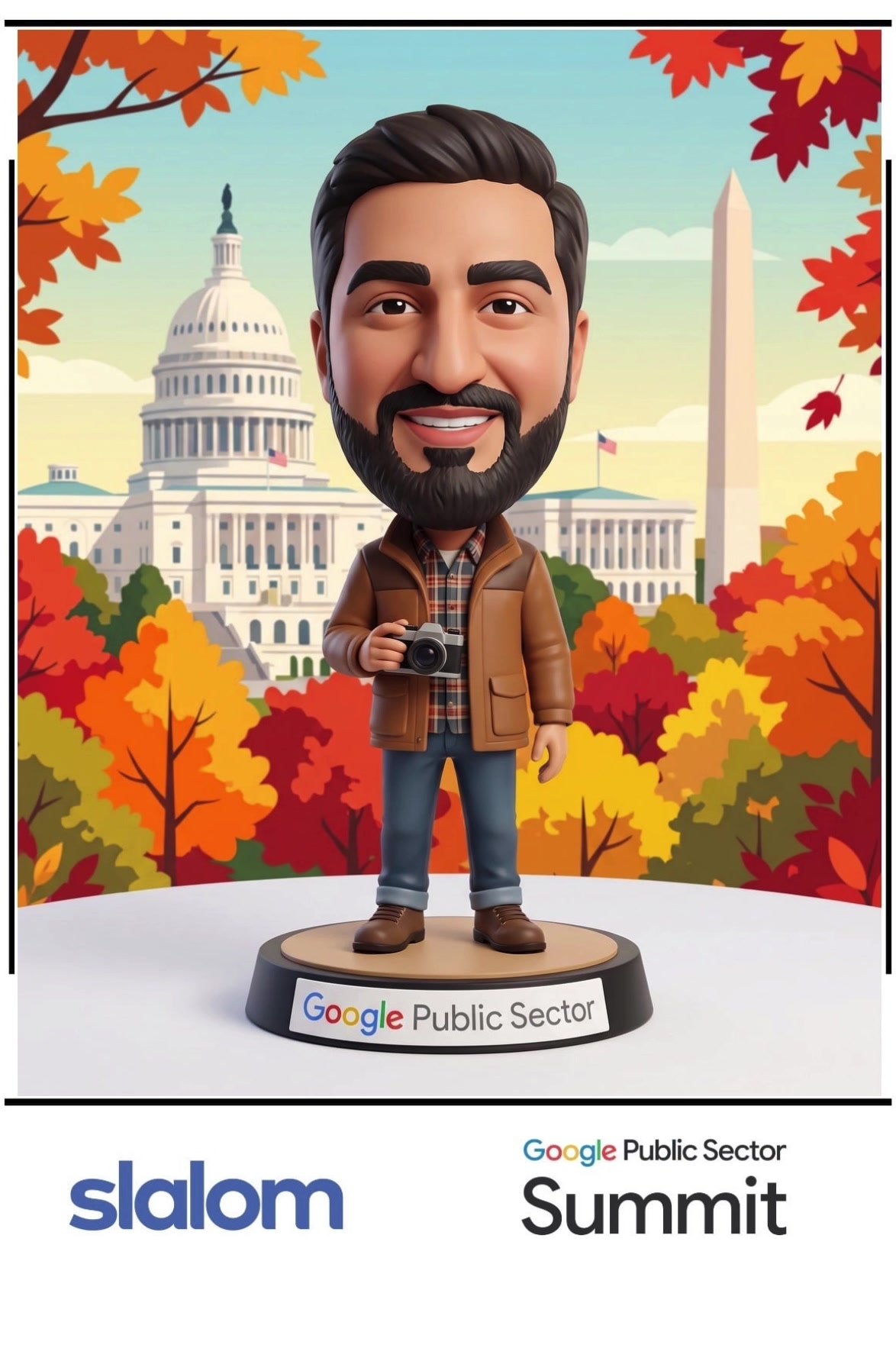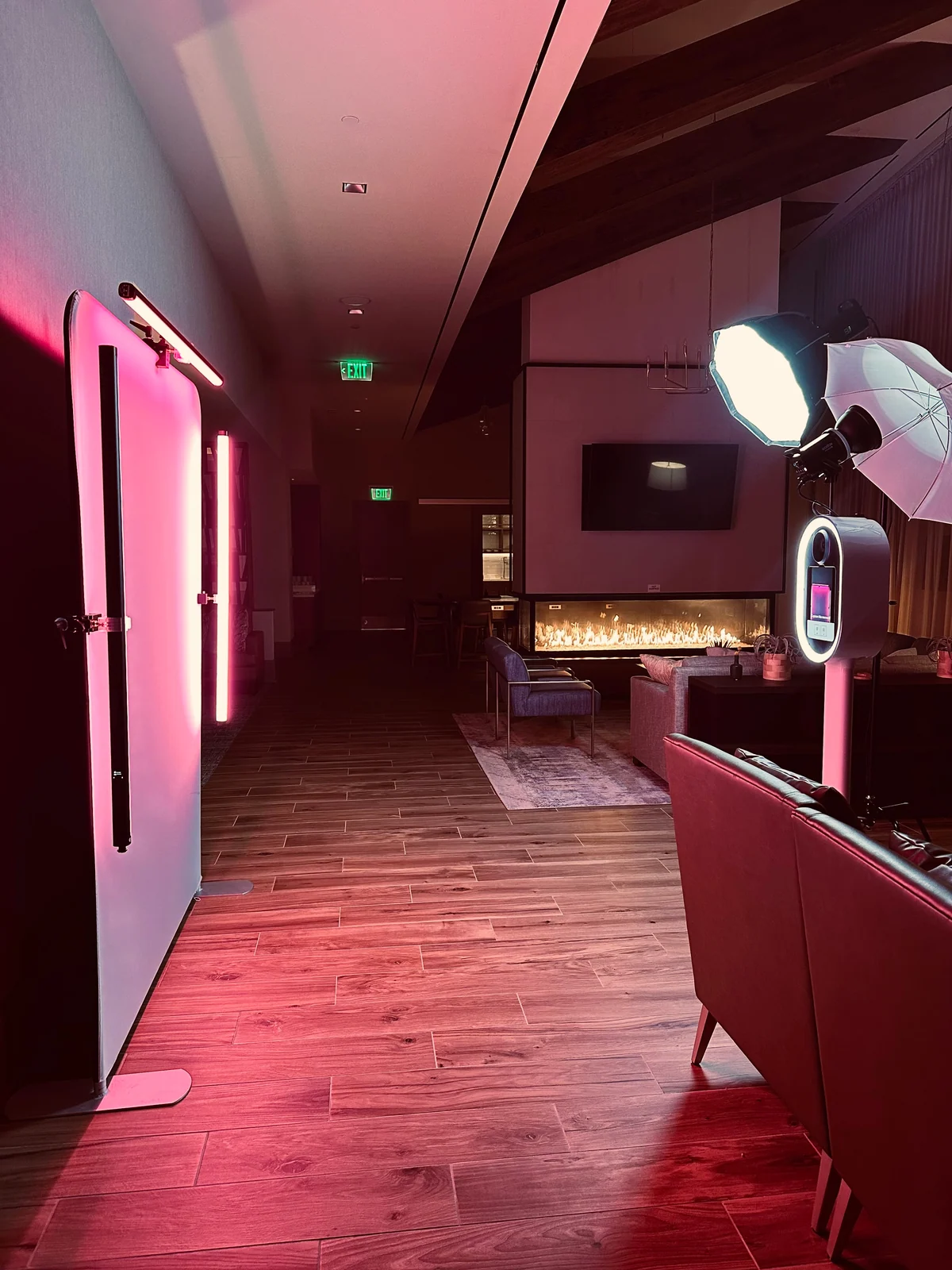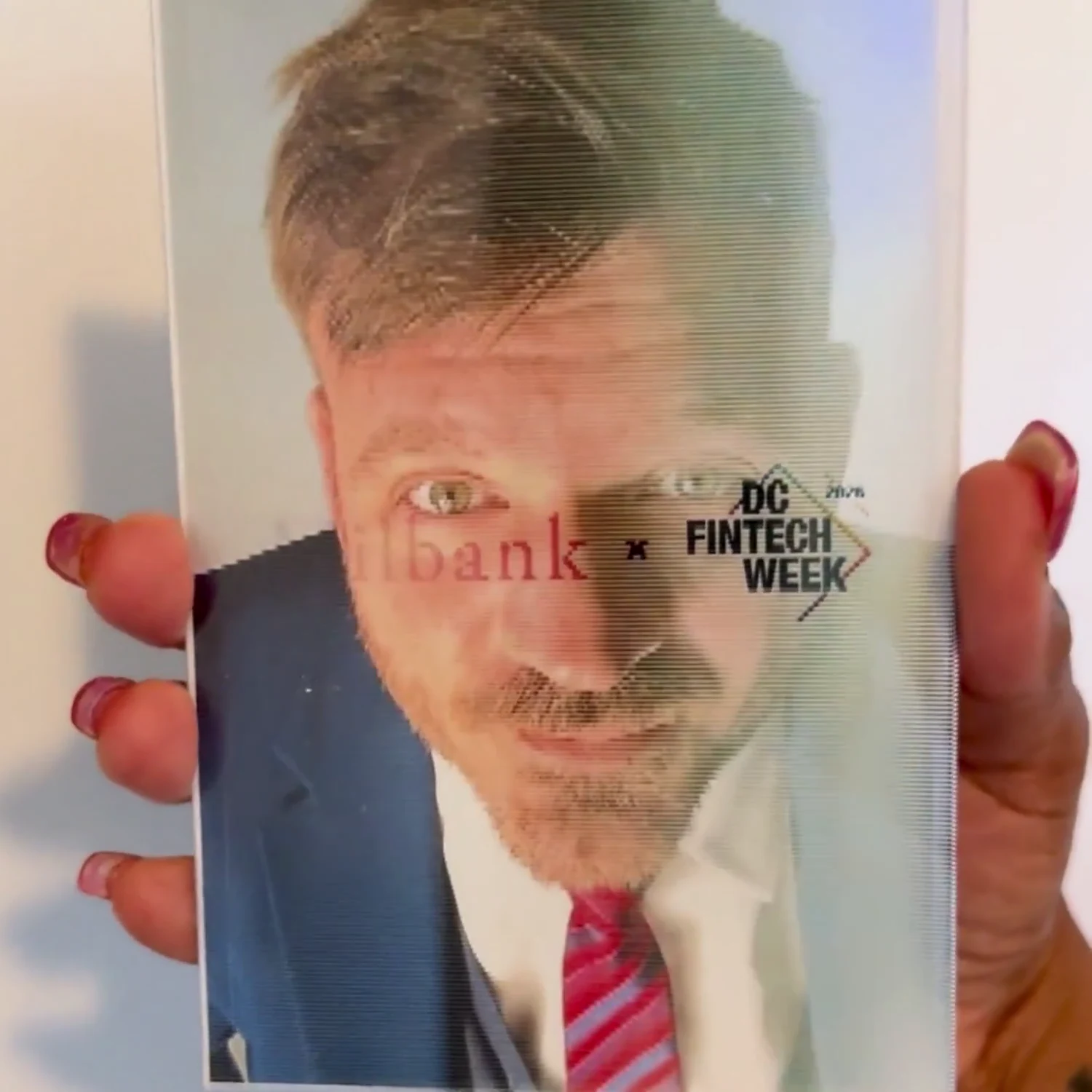
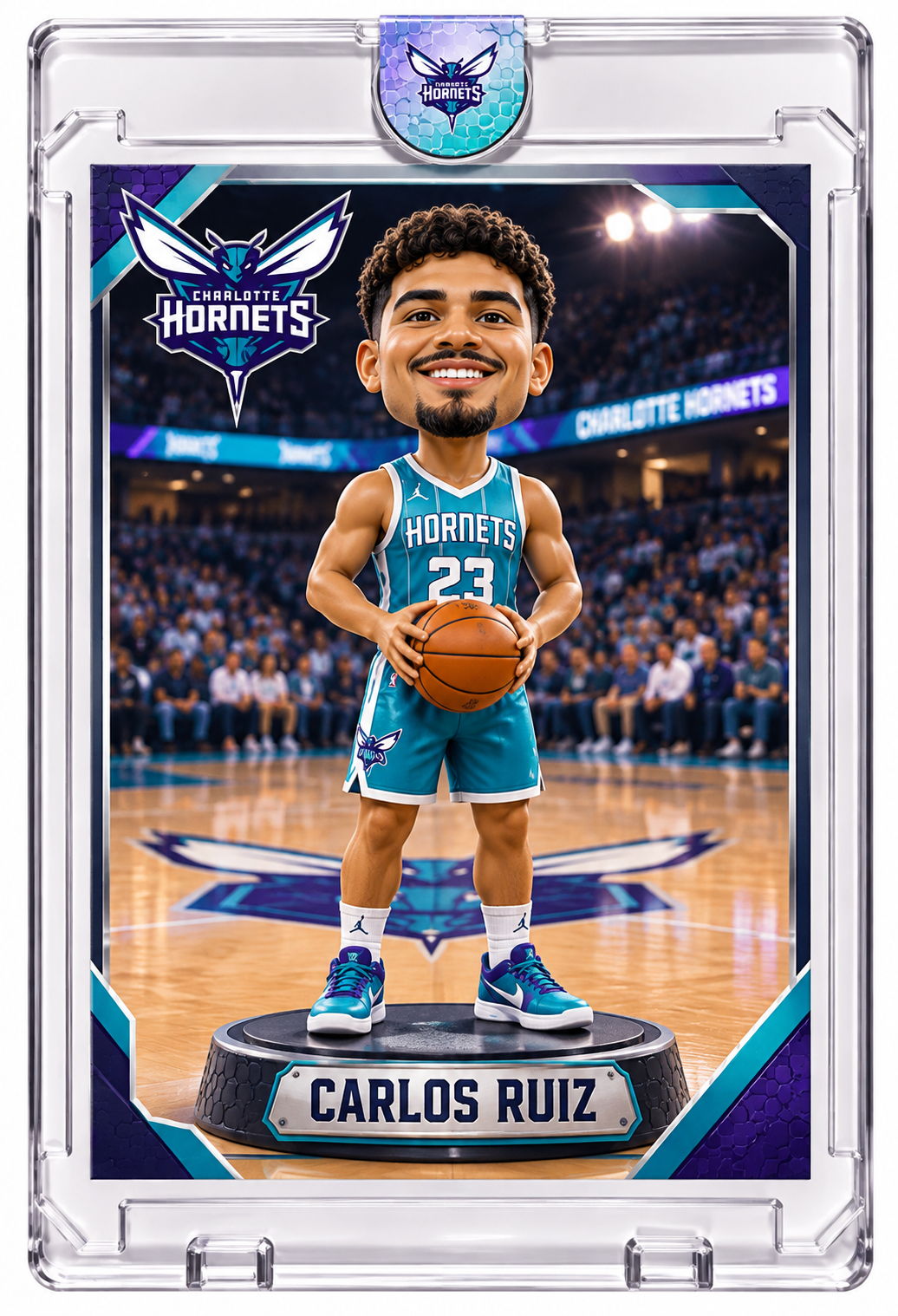
A custom trading card photo booth works when fans recognize the design immediately, can personalize it quickly, and leave knowing how to collect their card. Plan the printed keepsake and the queue together.
Design for a card in someone’s hand
Pick one team or event detail fans will recognize. Give the portrait enough room, then test names, numbers, and sponsor marks at actual print size. Ask for a long-name example and a group example if groups can participate. A layout that looks great on a presentation slide may be hard to read at card size.
Keep personalization easy to enter
Choose a short set of fields such as display name and favorite number. Decide which are optional, how guests correct typos, and when the preview is approved. If people can choose from several designs, show those choices before the capture station so they aren’t deciding with the line behind them.
Separate capture from pickup when needed
Work backward from gates opening or your biggest break in programming. Ask for an estimate of how many cards can be captured and printed in that window. If printing is the bottleneck, give pickup its own sign and space so guests waiting for their cards don’t block new participants.
Decide what the sponsor receives
Confirm whether the sponsor needs a mark on the printed card, the digital version, or both. If recap content matters, agree on shot coverage and usage before event day. See how DC United Fan Fest paired two trading card stations with roaming video at Audi Field.
Design the card as a printed object, not a social crop
A trading card is held, stacked, and sometimes signed. Type, names, and a sponsor logo need to stay clear at the real card size, not only on a large on-screen mockup. Leave a safe margin, avoid important details at the trimmed edge, and test a name long enough to stress the layout. If a QR code is part of the design, print it and scan it in the lighting you expect onsite.
Decide which side carries the portrait, which side carries the stats or campaign story, and where a guest might write a note. That choice affects how the card is handed over and whether it needs a dry moment before it goes into a pocket or a lanyard.
Keep the personalization fields short
Every field a guest has to type will slow the line. Name and one optional line are usually enough. If you need a jersey number, a team choice, or a short prompt, use buttons or a short list rather than a blank paragraph. Test the entry step with gloves, with a long last name, and with someone who would rather have staff type for them.
If a sponsor wants a unique code or a collection mechanic, design that into the card or the digital follow-up, not into a long form at the camera. The capture should still feel like a fan moment.
Staff the pickup separately when the line will peak
When a game, a meet-and-greet, or a concert door creates a rush, separate the photo from the pickup if the print takes longer than the pose. One attendant can keep the capture moving while another checks names and hands over cards. Put a clear sign at the pickup so guests who stepped away can return without reentering the photo line.
Agree in advance what happens if a card jams, a name is misspelled, or a guest has to leave before the print is ready. A digital backup sent later is only useful if you collected a reliable way to reach them, and if that collection was clearly optional.
Give the sponsor a defined package
Write down what the sponsor receives: a sample card, a count of cards produced, any approved photos, and when those files will arrive. If they want a presence in the backdrop or on the card, approve that artwork at the same time as the guest layout. Our trading card photo booth page, sporting events page, and Charlotte page can help you brief the rest of the event.
Explore trading card photo booths, see our Charlotte, NC event guide, or request a proposal with your venue and event date.